WooCommerce
Installation & Setup Guide
This guide explains how to install and configure the Paypercut Payments Plugin for WooCommerce so you can start accepting online payments.
Before you start
You will need:
- A Paypercut merchant account — register at https://dashboard.paypercut.io/register
- Paypercut API keys (sandbox for testing, production for live)
- Admin access to your WooCommerce store
- Supported WooCommerce versions: 6.6 or higher
Step 1 — Install the Paypercut plugin
- Log in to your WooCommerce Admin panel.
- Download the plugin from this link: https://wordpress.org/plugins/paypercut-payments-for-woocommerce/. Alternatively, search for and add Paypercut Payments for WooCommerce in the plugins directory
Step 2 — Configure the Paypercut Plugin settings
-
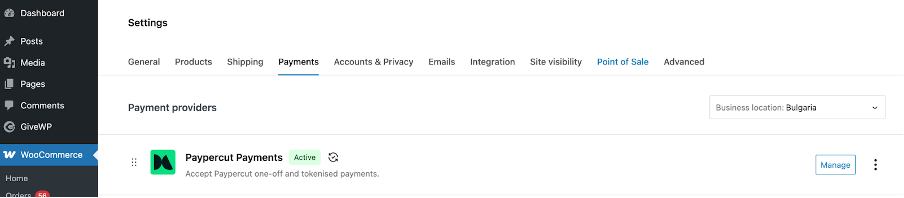
From your WooCommerce Admin panel go to Settings -> Payments and find the Paypercut plugin
-
Click "Manage"
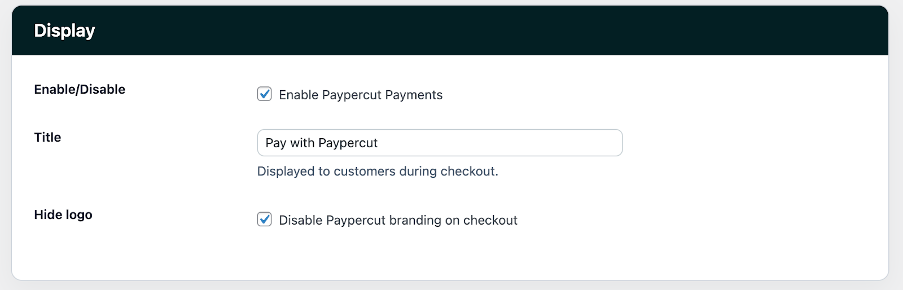
- Configure the following display settings:
- Enable Paypercut Payments
- Enter a title to be displayed to customers during checkout
- Choose whether to enable or disable Paypercut branding on checkout
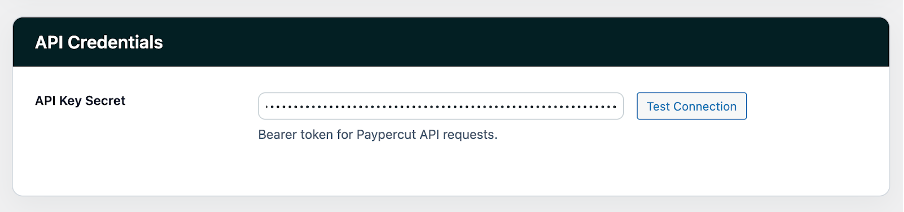
- Set the API configuration
- API Key: paste the Paypercut API key generated in the Paypercut Merchant Portal
- Click on the "Test Connection" button to verify connectivity
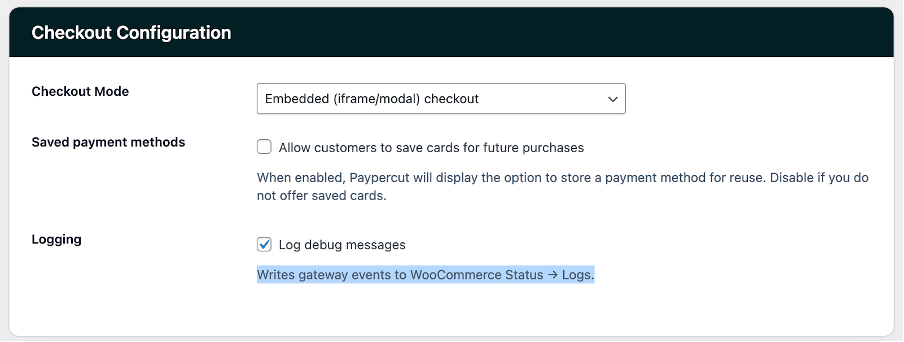
- Configure the Checkout settings
- Checkout Mode: Choose between Embedded or Hosted checkout mode
- Saved payment methods: Choose whether to allow customers to save their card for future payments
- Logging: Choose whether you want to log debug messages
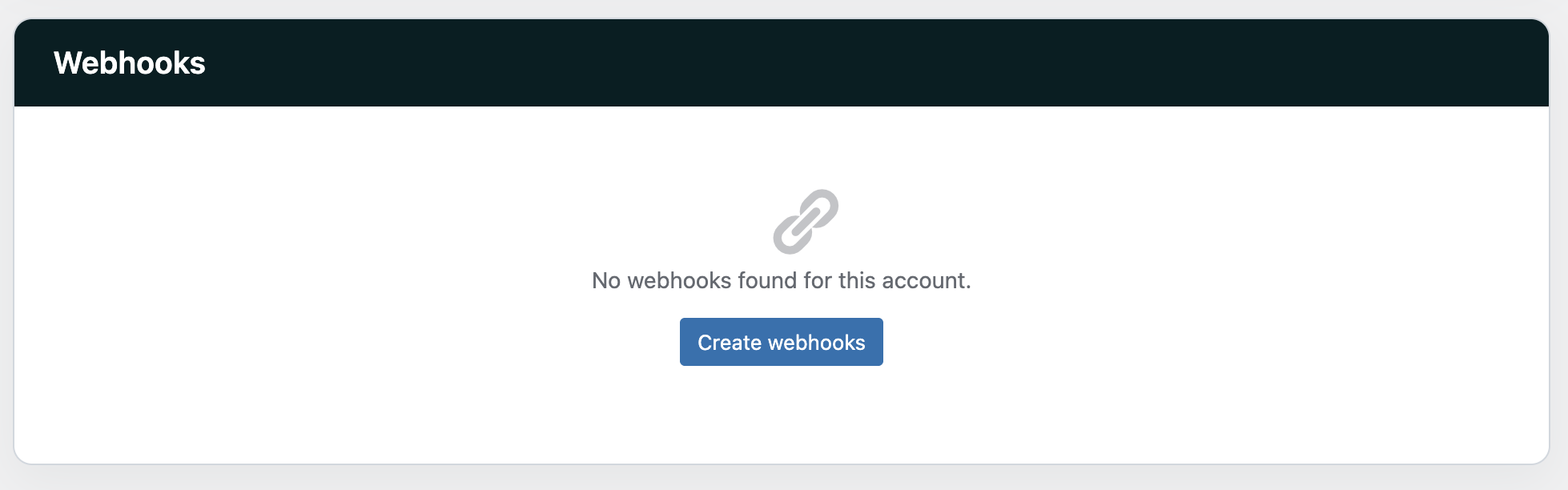
- Configure webhooks to allow Paypercut to send payment status updates to your store and automatically update order statuses In Webhooks section click on Create Webhooks and the required webhooks will be generated automatically.
- Click on "Save changes"
Now you should be able to accept payments with the Paypercut plugin
FAQ
Q: Do I need anything besides the API Key?
A: No — the API Key is the only credential required for the plugin.
Q: Is the API Key created in WooCommerce?
A: No — please create and copy the API key from your Paypercut Merchant Dashboard.
Q: Will installing Paypercut affect my existing checkout?
A: No — Paypercut is installed as an additional payment option.
For further help
- Merchant Dashboard
- Developer docs & API reference: https://docs.paypercut.io/api-reference
- Support: integrations@paypercut.co

